2026-07-04
Email bombing through uptime monitoring pages
- security
- monitoring
- abuse
Email bombing through uptime monitoring pages
I build an uptime monitoring tool. Part of my job is to attack it before someone else does. This post is about one attack that most people in this space do not talk about: using monitoring tools to flood someone's inbox with email.
I will show you how it works from the attacker side. Then I will show you how to stop it from the builder side. If you run any tool that sends email to an address a user typed in, this is your problem too.
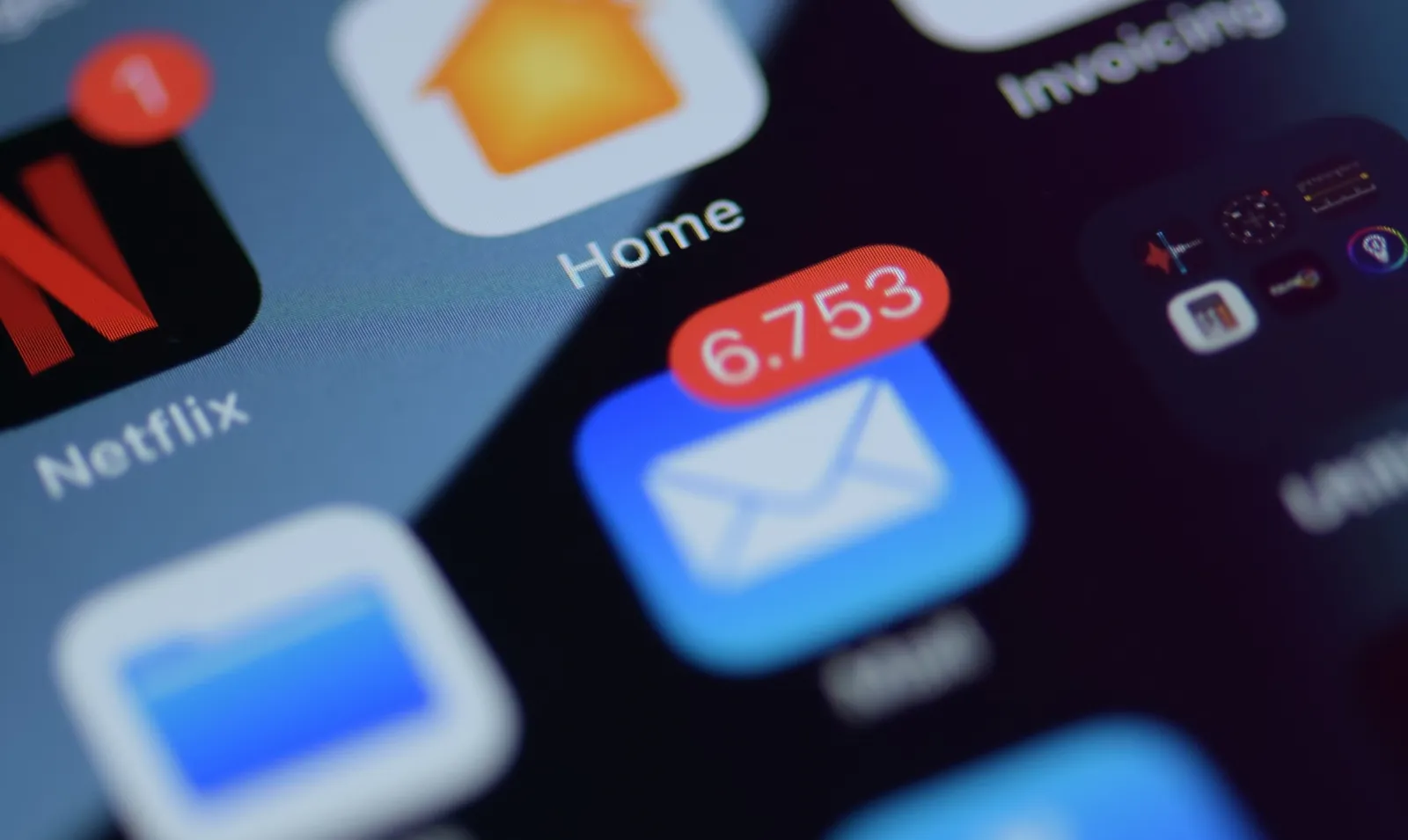
Photo by Brian J. Tromp on Unsplash.
What email bombing is
Email bombing is simple. You flood one inbox with so many messages that the person cannot use it. Hundreds of emails in a few minutes. When the attacker uses signup forms to do it, people call it subscription bombing or list bombing. Same idea. Anti-abuse groups describe it as a denial-of-service attack on your inbox, and IT teams saw a rise in 2026.
The goal is usually not the flood itself. The flood is a cover.
Say an attacker just stole your card and bought something. Your bank sends an email or a text: "Did you make this payment?" If your inbox has hundreds of new emails in a few minutes, you will never see that one bank message. By the time you dig it out, the money is gone. The flood buys the attacker time and quiet. Security teams have watched attackers use this trick to hide real fraud.
It is not always about money. Some ransomware crews use email bombing as step one. They flood a worker with mail, then call and pretend to be the IT help desk: "We see the spam, let us help you fix it." The panic is the way in. The flood softens the target for the real attack. The US cyber agency CISA documented this play: email bombing plus a fake help-desk chat on Microsoft Teams, used by the Black Basta ransomware crew to get in. Former members kept using it through 2025.
Why uptime pages make a good weapon
Photo by Moritz Erken on Unsplash.
Here is the part that surprised me the first time I looked.
Most uptime and status tools let you add an email address for alerts. You type an address, the tool sends a "confirm your email" message, and you click a link to turn alerts on. Normal stuff.
Now look at it as an attacker. The tool will send an email to any address I type. I do not need to own that address. I type the victim's email and hit save. The confirm email goes to the victim, not to me.
One email is not a bomb. But there are many of these tools. And inside each tool I can make many monitors, each with its own alert email. So I write a small script. Sign up, add the victim's address to fifty monitors, move to the next tool, repeat. The victim gets a wave of "please confirm" emails from services they have never heard of.
The mean part is where these emails come from. They come from real companies with a good name. They pass the checks that tell Gmail a sender is real (SPF and DKIM, if you want the terms). So they land in the main inbox, not in spam. One study in 2026 found that most of these emails were not marked as spam and reached the inbox. A normal spam filter usually will not save the victim, because on paper none of it is spam.
The builder side: how not to be the tool that floods people
I will be honest. When I first tested my own tool, it had this hole. The confirm email had no real limit and no clear owner. So I fixed it. Here is what actually helped, in order.
Rate limits are the floor. Cap how many confirm emails one address can get per day across your whole platform, not just per account. If one attacker opens twenty accounts, a per-account limit does nothing. Count by the target address.
Say who and why. My old confirm email just said "confirm this address." Now it says who added it and to what: "Acme Inc added this address to a monitor." If a stranger gets one, at least they can see what is happening.
Give a fast way out. Put a one-click "this was not me, stop" link in the email. One click kills that address on your tool. No login, no support ticket. There is a standard for this, RFC 8058, so mail apps can show a stop button right in the message.
Block the obvious traps. Do not allow role addresses like postmaster@ or abuse@. They are shared mailboxes, not a person who asked for alerts. And do not allow your own company domains, because a tool that emails itself can start a mail loop.
Skip the email when you can. If the person adding the address is logged in with that same email through Google or GitHub, you already know they own it. Mark it confirmed and send nothing.
None of this is clever. It is boring plumbing. But boring plumbing is what keeps your name off the list of services used in someone's email bomb.
If you are the one getting bombed
Do not delete everything in a panic. That is exactly what the attacker wants. Somewhere in that pile there may be one real email that matters, like a bank alert or a password reset you did not ask for.
First, search your inbox for words like "payment", "login", "password", or your bank's name. Handle the real one first. Call your bank if you see a charge you did not make.
Then use the stop and unsubscribe links in the junk. Most real services put them there. It is slow work, but it cuts the flood at the source.
If it keeps coming, tell your email provider. Gmail and others can filter a flood once they see the pattern. And if someone calls you "from IT" right after the flood starts, be careful. That call can be part of the attack.
One last thing
I like uptime tools. I build one. But any tool that will email a stranger on request can be turned into a small weapon, and most builders never test for it. If you run one of these, spend an afternoon trying to bomb yourself. You will learn more from that hour than from any security checklist, and you will find the holes before someone else does.
More reading: how I built this monitor, and how to report abuse to us.